Como personalizar o seu Android: o guia completo
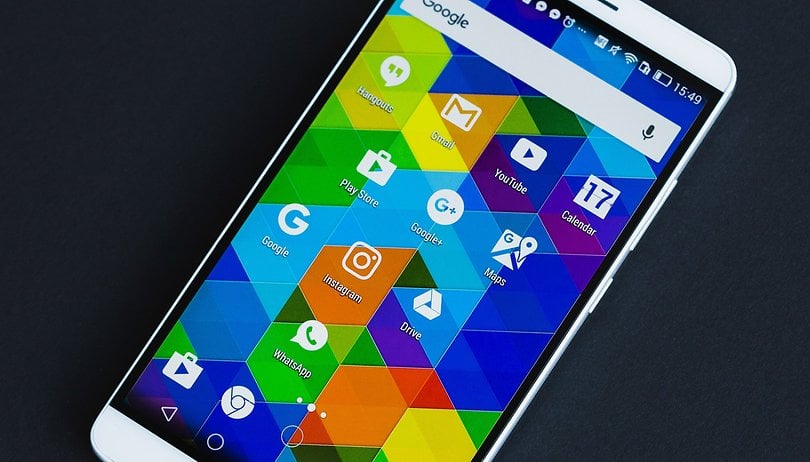

Assim como os relacionamentos, os primeiros dias passados junto aos nossos novos dispositivos são os melhores. As novidades, o design, a emoção de descobrir cada configuração e opção mais oculta. Com o tempo, aprendemos a conhecer cada aspecto e tudo fica sem graça. Mas calma, essa chama de paixão pode ser reacendida com os truques que eu te mostrarei neste artigo.
Pegue um atalho:
Personalização básica
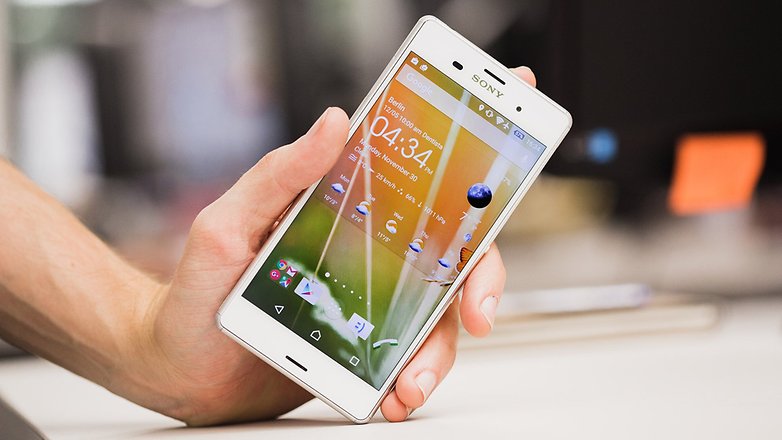
Aquilo que, mais do que qualquer coisa, pode tornar original o seu dispositivo é mudar o wallpaper, os sons, notificações e ícones. As possibilidades e ofertas na Play Store são inúmeras, e abaixo fizemos seleções das melhores. Então que tal começar adicionando algumas novidades à aparência do seu Android? Iniciaremos personalizando o launcher, papel de parede, os ícones e os widgets do seu dispositivo.
Launcher
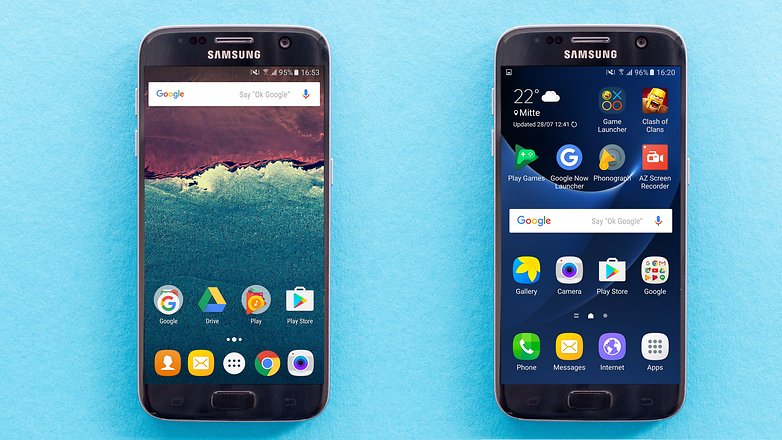
Launchers são, na minha opinião, o que há de mais divertido e útil para os aparelhos Android: é só instalar um aplicativo e pronto, toda a interface e o modo como se interage com o smartphone podem mudar completamente, dando uma cara nova ao aparelho.
Nós testamos algumas opções e reunimos os melhores launchers para Android no artigo abaixo:
Papéis de parede
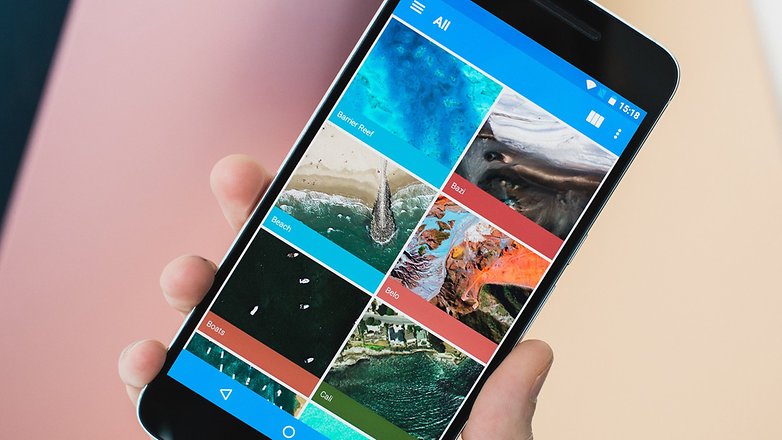
Os papéis de parede são importantes se você estiver em busca de um visual diferente para o seu Android. Afinal, combinado com o launcher e os ícones (que veremos a seguir), o seu dispositivo ficará com uma aparência mais elegante e diferente daquilo que vem de fábrica. No artigo abaixo, você encontrará uma série de opções para customizar o plano de fundo do seu Android. Dê uma conferida:
Ícones
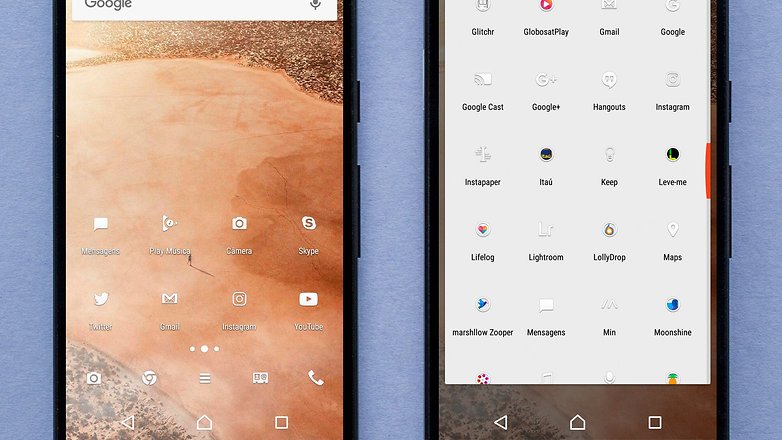
Os ícones são fáceis de encontrar, mas exigem um certo cuidado para rodarem no sistema. Isso porque não são todas as interfaces que oferecem suporte para ícones de terceiros. Além da Xperia UI e de algumas versões da TouchWiz, os launchers são uma opção certa para você que quer mudar ainda mais o visual do SO. Nós testamos uma variedade de pacotes de ícones e você pode escolher o melhor para o seu gosto neste artigo:
Widgets
Você acha que os widgets estão ultrapassados? Talvez as opções da Play Store não se adaptem à você, mas se você tivesse os instrumentos certos, conseguiria um que fosse perfeito para suas necessidades? Seus problemas acabaram! Estes instrumentos existem.
Esqueça os programas complicados e tutoriais longos. Tudo que você precisa é passar na nossa seleção e escolher um widget para o seu Android:
Personalização intermediária
Personalizar não quer dizer apenas alterar o visual, mas também acrescentar novas funções e melhorar aquelas já existentes. Uma vez mudado o aspecto, só nos resta tornar a experiência de uso cotidiano ainda mais agradável e reencontrar aquela sensação de novidade, desaparecida meses após a compra do aparelho.
Modo de desenvolvedor
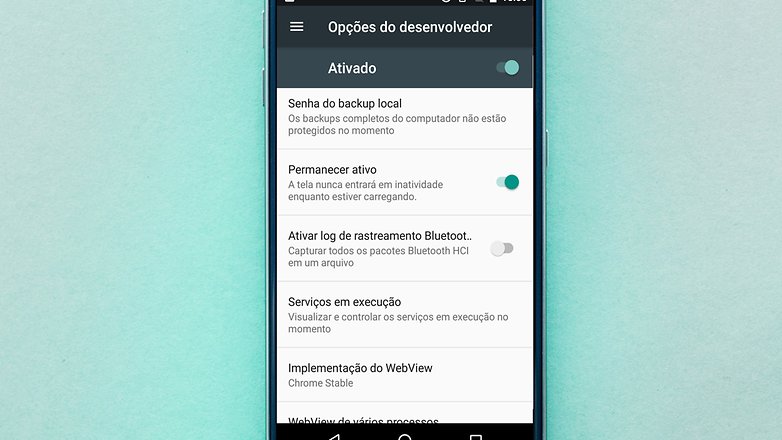
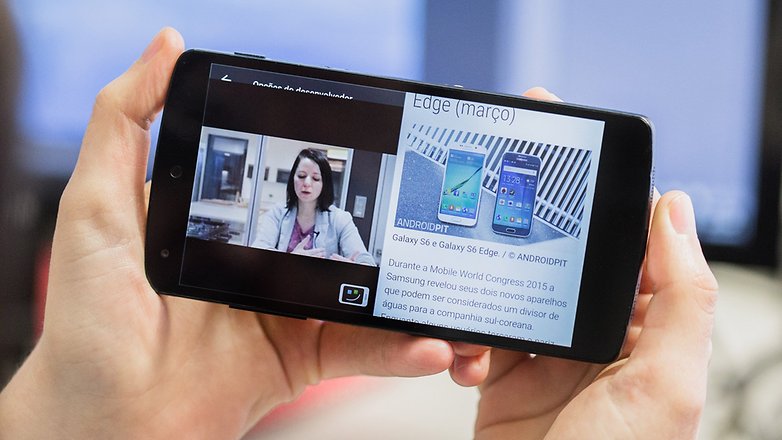
As opções de desenvolvedor foram projetadas para profissionais que desenvolvem aplicativos, mas muitas delas são bastante úteis para o usuário comum. Você pode desativar as animações do sistema, reduzir efeitos e fazer alterações no processamento gráfico do telefone. Ficou interessado? Conheça mais sobre o menu de desenvolvedor e saiba como usá-lo ao seu favor:
Códigos USSD
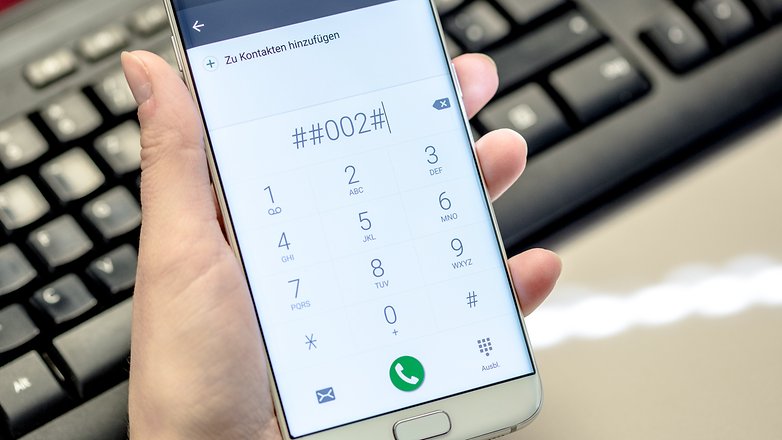
Você sabe o que são os códigos USSD? Eles não são apenas comandos secretos que servem para usuários avançados. Tais comandos também trazem funções e atalhos que podem ser úteis para todos. Você pode ativar ou desativar recursos através de uma combinação de números e algoritmos, o que pode otimizar o seu uso com o smartphone. A lista completa dos códigos que você pode usar está no artigo a seguir:
Personalização avançada
Root
O processo de root permite que o dispositivo seja explorado de uma forma mais profunda. Você pode trocar a versão do Android ou apenas incluir e excluir recursos do sistema. Hoje em dia, as ferramentas para este processo são mais conhecidas e fáceis de usar. Recomendo que você, primeiramente, conheça o que é o root:
Feito isso, é hora de partir para os aplicativos específicos para smartphones rooteados. Eles são mais complexos de serem usados, mas nós reunimos os mais interessantes e te contamos todos os segredos neste artigo:
ROMs
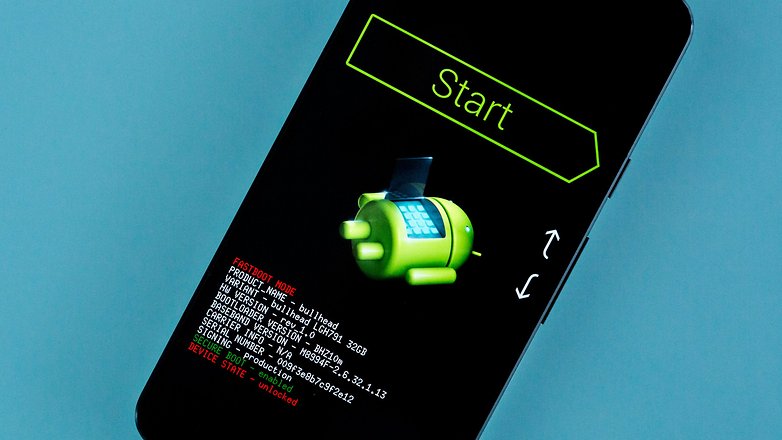
Uma ROM, para quem ainda não sabe, é uma compilação do sistema operacional que roda no seu dispositivo com os aplicativos básicos como agenda, calendário, câmera, etc. Esses sistemas dão uma sobrevida aos smartphones mais antigos, visto que é possível instalar versões mais recentes do Android em dispositivos que foram abandonados pelas fabricantes.
Isso é uma pequena parte do que as ROMs customizadas podem fazer. Para saber como usá-las no seu Android rooteado e como escolher a ROM perfeita para o seu modelo, acesse o artigo a seguir e descubra:
Xposed Framework
Está com aparelho rooteado? Então saiba como usar o Xposed Framework e adicionar recursos interessantes no seu Android. Basicamente, podemos definir o Xposed Framework como um conjunto de ferramentas para o Android responsáveis por permitir a instalação de aplicativos de diversos desenvolvedores.
Aqui, as funções variam entre tornar o processo de boot do aparelho mais rápido, personalizar a barra de status do dispositivo ou mesmo grande parte da UI do mesmo. Gostou da ideia? Dá uma olhada no artigo com os melhores módulos do Xposed que preparamos e escolha um:
Como você personaliza o seu Android?
O objetivo deste artigo é reunir em um só lugar todas as dicas sobre customização. Desta forma, a atualização e republicação desta matéria se fará necessária com o tempo.




Nova Launcher Prime + Icon Pack + root + substratum (muito feliz com o Oreo e 3rd party apps com tema escuro)
Por isso gosto tanto do Android e tão pouco de IPhone: essa possibilidade de poder personalizar vários itens do jeito que quero e quando quiser - se quiser, para uma pessoa que enjoa fácil do visual como eu, é fundamental.
Alguém já instalou o android oreo 8.1 no Moto x force?
Como vai att algo que está morto ?
Eu, mesmo sem root, considero minha personalização avançada.
Eu mesmo desenho meus papéis de parede, ícones, letras (fontes) e widgets.
Uso aplicativo para navegação por gestos (não gosto de usar botões de navegação e a tela fica no modo imersivo) e uso todas as possibilidades presentes no Nova Prime.
Além de tudo, uso as permissões de desenvolvedor para mudar o DPI da tela e outras coisas.
Isso é a essência do Android. As infinitas possibilidades!
Por isso amamos esse robozinho!
A primeira coisa que faço sempre é ativar as funções de desenvolvedor e alterar os valores da escala de animação, transição e janela. Até em smartphone de loja eu faço isso pra ver o desempenho melhor kkkkkk. Laucher, Room e root são modificações secundárias que dificilmente faço...
Tbm ativo as opções de desenvolvedores!
As inúmeras possibilidades em se customizar ao gosto de cada um o seu gadget é o que torna o Android atraente , fato que não ocorre com o iOS.
Sim, iPhone com o tempo se torna um saco por não ter alteração visual nenhuma. É muito monótono ficar olhando para aqueles ícones que nunca mudam...
Enjoa fácil!
Quando comprei o Galaxy S (1) achei o papel de parede animado o máximo. Aquilo para mim era alta tecnologia e deixava o aparelho totalmente personalizado. Essa emoção durou 1 dia. Enjoei e nunca mais usei.
kkkkkkkk, eu adorava aquele da galáxia girando, achava incrível 😂
Mas quando vi que ele gastava muita bateria, o amor acabou....
Quem tem Samnsung não precisa de personalização!
A Samsung Experience já possibilita muitas opções pra isso!
Minha personalização : Nova Launcher comprada com a ultima promoção da mesma na Google Play ( 99 centavos ), dinheiro ganho com o app da Google ( Opinion Rewards ) kkk
Não gosto muito de personalizar, apenas o básico, nenhum Widget, nenhum ícone na tela inicial, tudo muito limpo, gestos na Nova Launcher já são o suficiente pra mim.
Uso no meu A9: Nova Launcher, tema escuro Samsung e ícones Snap White. Meu Android fica perfeito assim.
Essa é a parte legal do Android, um smartphone com a cara que o dono quer 😃
As roms rr tem belas customizações fica a dica pra quem ainda não conhece a rr!
Ressuretion Remix? Já ouvi falar muito bem dessa rom, mas nunca testei. Uma que testei e tem muitas opções de customização é a Viper Os, que por sinal é brasileira...
RR é uma das melhores, já salvei algum telefone antigo com ela, usava nos meus LGs pra se livrar do android 2.2 na epoca.